


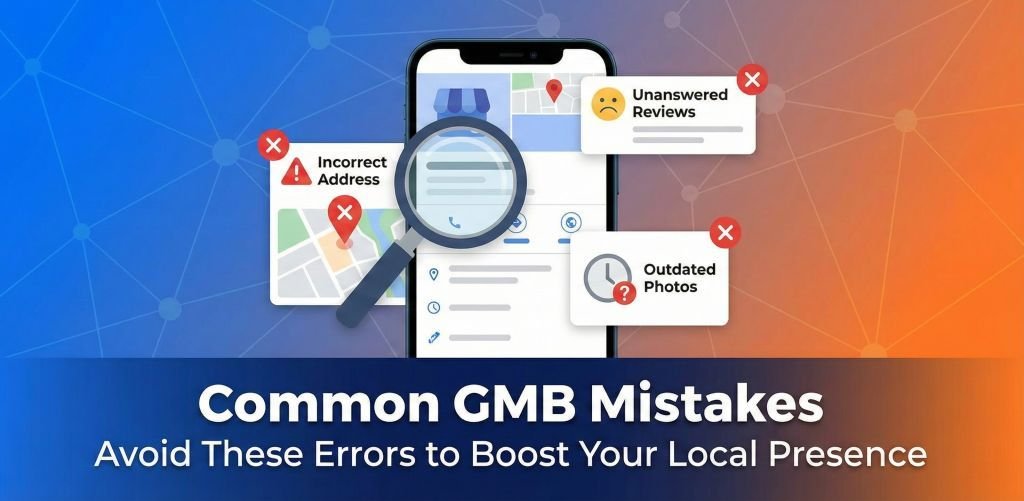
Your Google Business Profile (formerly GMB) is likely the first interaction a customer has with your brand. In 2026, where AI-driven search demands perfection, a single error can mean the difference between the “Local 3-Pack” and digital invisibility.
At YoGrow Solutions Pvt Ltd, we regularly audit profiles that are plummeting in rankings due to avoidable errors. The stakes are high: why is my Google Business Profile suspended? is a query we see too often.
This guide outlines the most common Google Business Profile mistakes and provides a roadmap to fix them before they hurt your bottom line.
These mistakes don’t just lower your rank; they can get your profile removed entirely.
The Mistake: Adding services or locations to your legal business name (e.g., “Smith Plumbing – Best Drain Cleaner NY”).
The Risk: This is a direct Google Business Profile guidelines violation.
The Fix: Use your real-world, legal business name. Save the keywords for your description and posts. Keyword stuffing Google business name is the #1 reason for fast suspensions.
The Mistake: Listing a UPS store, P.O. Box, or virtual office as your physical address.
The Risk: Google Maps requires a physical location where you meet customers.
The Fix: If you work from home, list your home address but hide it (Service Area Business). Using PO Box for Google Business Profile is a guaranteed red flag.
The Mistake: Buying reviews or having employees review the business.
The Risk: Google’s AI is incredibly good at detecting patterns. Fake reviews Google Business Profile detection leads to review purging and a “scarlet letter” warning on your profile.
The Fix: Build a system to solicit real reviews from happy customers.
These errors won’t get you banned, but they will ensure your competitors rank above you.
The Mistake: Choosing a category that is too broad (e.g., “Contractor” instead of “Kitchen Remodeler”).
The Risk: You miss out on specific, high-intent searches.
The Fix: Incorrect business category GMB settings confuse the algorithm. Choose the most specific Primary Category available, and use Secondary Categories for other services.
The Mistake: Your website says “St.”, your Facebook says “Street,” and your GMB says “Str.”
The Risk: Google loses trust in your data’s accuracy.
The Fix: NAP consistency local SEO is foundational. audit key directories (Yelp, Bing, YellowPages) to ensure they match your GMB exactly.
The Mistake: Using generic stock photos or having no photos at all.
The Risk: Profiles with photos get 42% more direction requests. Google Business Profile photo rejection happens if images are too blurry or violate content policies.
The Fix: Upload real, high-quality photos of your team, office, and work.
The Mistake: Letting reviews sit unanswered.
The Risk: Silence looks like indifference. Answering reviews on Google Maps importance cannot be overstated—it boosts retention and SEO.
The Fix: Respond to every review. If it’s negative, be professional and offer to take it offline.
The Mistake: Thinking of GMB as a “set and forget” directory.
The Risk: Stale profiles drop in rank.
The Fix: Use best practices for Google Business Profile posts—share weekly updates, offers, and events to signal activity.
The Mistake: Creating a new profile because you lost the password to the old one.
The Risk: Traffic splits between the two, making both weak. Duplicate Google Business Profile listing issues dilute your authority.
The Fix: Search for your business on Maps before creating a new one. Learn how to merge duplicate Google Business listings through Google Support.
The Mistake: Trying to verify my business on Google without postcard when that option isn’t offered.
The Risk: You end up in Google My Business verify pending hell.
The Fix: Follow the method Google offers. If it’s a postcard, wait for it. Patience wins here.
If you’ve already made these mistakes and are facing suspension:
1. Don’t Panic: Do not create a new listing.
2. Audit: Check your info against the guidelines.
3. Appeal: Use the official form. How to fix suspended Google Business Profile usually involves providing business licenses and utility bills as proof.
Avoiding these common Google Business Profile mistakes is the fastest way to improve your local standing in 2026. A clean, active, and compliant profile is an asset that pays dividends for years.
Need a Profile Audit?
Don’t let a simple error cost you thousands in lost revenue. YoGrow Solutions Pvt Ltd specializes in GMB recovery and optimization.
Contact Us for a Free Audit
Website: https://yogrowsolutions.com
Email: info@yogrowsolutions.com
Phone: +1 (571) 408-6124
Address: 418 BROADWAY, ALBANY, NY 12207
Yes, as a Service Area Business (SAB), but you must hide your address.
It could be a new algorithm update, a suspension, or a competitor out-optimizing you. Check for Google Maps ranking dropped suddenly trends in your insights.
You can’t delete them, but you can flag them if they violate policies (e.g., hate speech, conflict of interest). Removing bad reviews on Google is difficult unless they are fake.
No direct phone line. Support is handled via their online help center and forms.








Leave A Reply Now